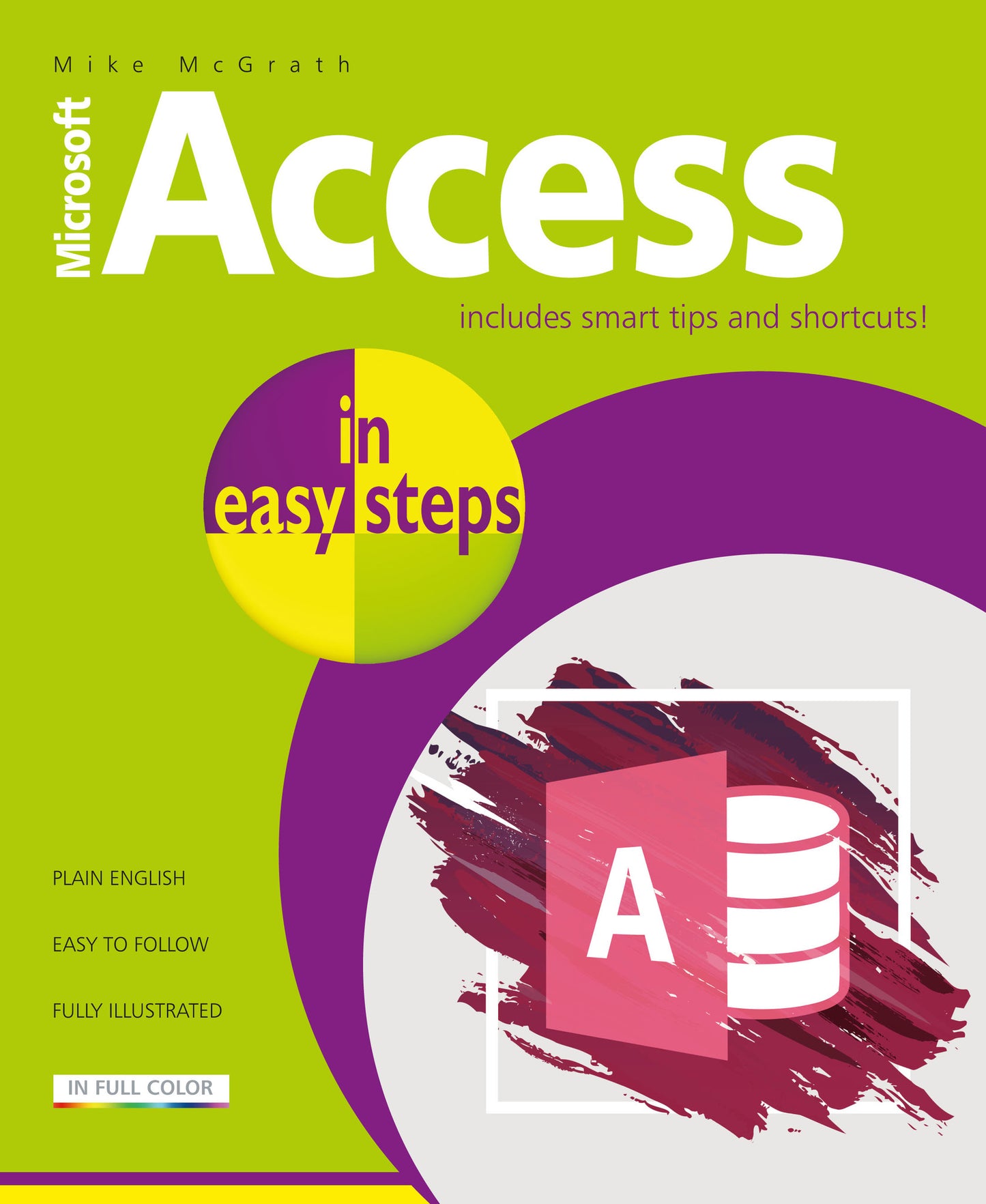
Access in easy steps has an easy-to-follow style that will appeal to anyone who wants to get more from the Microsoft Access app. Whether you’re using Access in the Office 365 suite or standalone Office product, you can use this guide to learn the key features and get more out of Access.
Learn how to:
Optimize database design for efficiency
Create Tables to store data
Use handy templates and get a head start
Make queries to extract specific data
Produce user-friendly Forms for data entry
Explore basic SQL for advanced queries
Construct informative Reports quickly
Import and export data to Excel and Word
Securely share your well-designed database and reports that’ll impress your colleagues!
Access in easy steps contains separate chapters on the major features of the Access app. There are complete examples that demonstrate each aspect of Access, together with screenshots that illustrate the actual output. This book neatly demonstrates the important functions of Microsoft Access in a clear and concise manner, so you can get going quickly with this popular database application.
Illustrated using Access 2019.
Price: $15.99
Pages: 192
Publisher: In Easy Steps Limited
Imprint: In Easy Steps Limited
Series: In Easy Steps
Publication Date:
25 June 2019
Trim Size: 8.88 X 7.38 in
ISBN: 9781840788235
Format: Paperback
BISACs:
COMPUTERS / Desktop Applications / Databases, Database software, COMPUTERS / Business & Productivity Software / Databases, COMPUTERS / Business & Productivity Software / Office Suites, JUVENILE NONFICTION / Computers / Software, Data capture & analysis, Database design & theory, Business applications, Educational: IT & computing, ICT, Children’s / Teenage general interest: Computing & Information Technology
Getting started
Designing Databases
Creating Tables
Defining Relationships
Handling Data
Making Queries
Coding Queries
Producing Forms
Enhancing Forms
Supplying Reports
Sharing Access