


Some error occured while loading the Quick View. Please close the Quick View and try reloading the page.
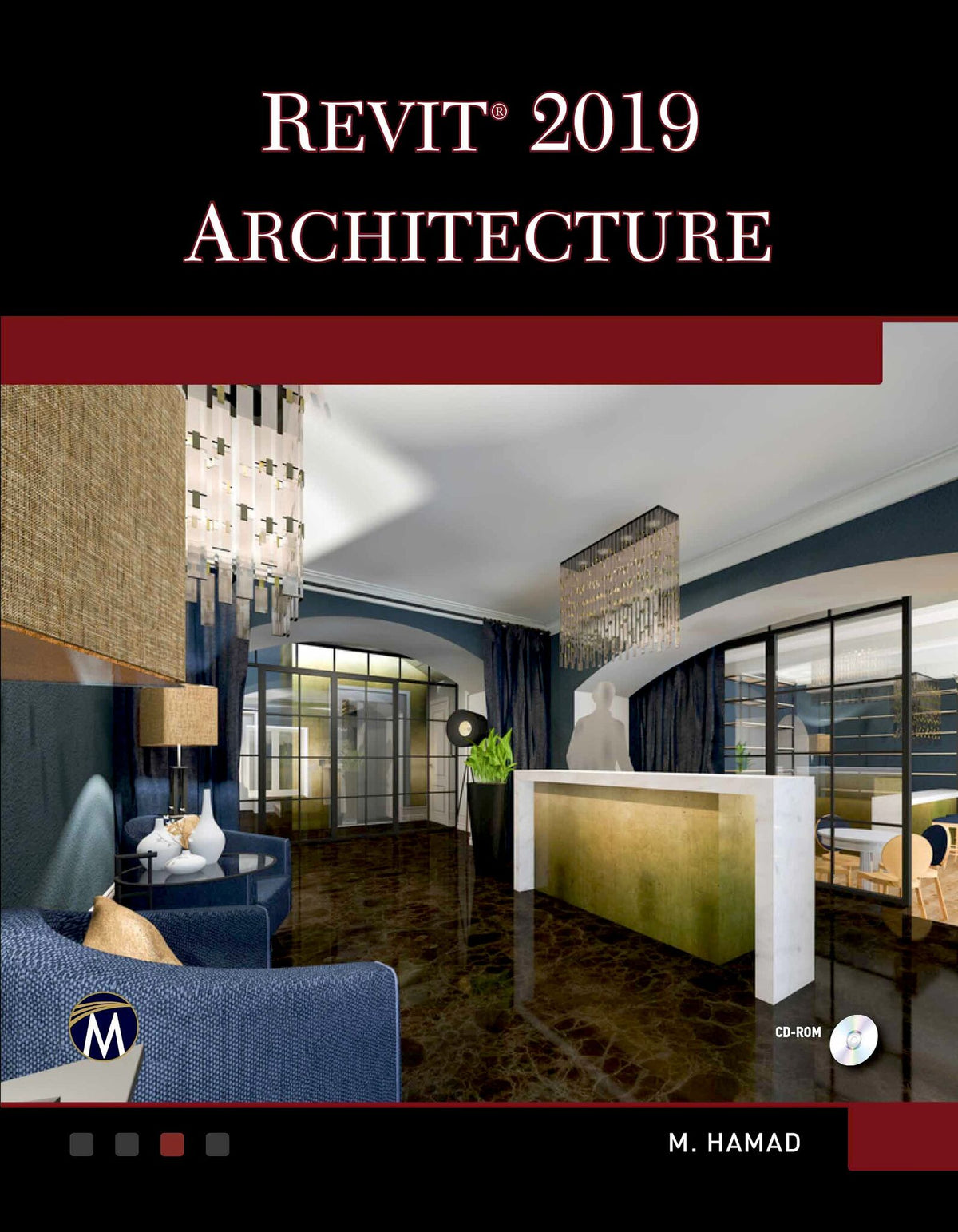
No detailed description available for "Autodesk Revit 2019 Architecture".

Price: $59.95
Pages: 550
Publisher: De Gruyter
Imprint: Mercury Learning and Information
Publication Date:
June 26, 2018
ISBN: 9781683921745
Format: Paperback
BISACs:
TECHNOLOGY & ENGINEERING / Engineering (General), COMPUTERS / Computer Science

Hamad Munir :
Munir Hamad is an Autodesk® Approved Instructor and certified Autodesk AutoCAD Master, who has authored several AutoCAD titles and taught various levels of AutoCAD training.
1: Introduction to Revit Architecture.
2: How to Draw and Modify in Revit.
3: Project Preparation.
4: All You Need to Know about Walls.
5: Inserting Doors and Windows.
6: Creating and Controlling Curtain Walls.
7: Creating Floors.
8: Creating Roofs.
9: Components & Ceiling.
10: Creating Stairs, Ramps, and Railings.
11: Creating and Manipulating Views.
12: Annotation and Legends.
13: Visualize in Revit and Printing.
14: Creating Schedules.
15: Project Phasing and Design Options.
16: Toposurfaces in Revit.
17: Creating Rooms and Areas.
18: Tagging and Detailing.
19: Creating Groups and Revit Links.
20: Importing and Exporting Files in Revit.
21: Creating Masses in Revit.
22: Customizing Walls, Roofs, Floors, & Compound Ceilings.
23: Creating Families in Revit.
24: Customizing Doors, Windows, and Railing Families.
25: Worksets.
Index.
2: How to Draw and Modify in Revit.
3: Project Preparation.
4: All You Need to Know about Walls.
5: Inserting Doors and Windows.
6: Creating and Controlling Curtain Walls.
7: Creating Floors.
8: Creating Roofs.
9: Components & Ceiling.
10: Creating Stairs, Ramps, and Railings.
11: Creating and Manipulating Views.
12: Annotation and Legends.
13: Visualize in Revit and Printing.
14: Creating Schedules.
15: Project Phasing and Design Options.
16: Toposurfaces in Revit.
17: Creating Rooms and Areas.
18: Tagging and Detailing.
19: Creating Groups and Revit Links.
20: Importing and Exporting Files in Revit.
21: Creating Masses in Revit.
22: Customizing Walls, Roofs, Floors, & Compound Ceilings.
23: Creating Families in Revit.
24: Customizing Doors, Windows, and Railing Families.
25: Worksets.
Index.