


Some error occured while loading the Quick View. Please close the Quick View and try reloading the page.
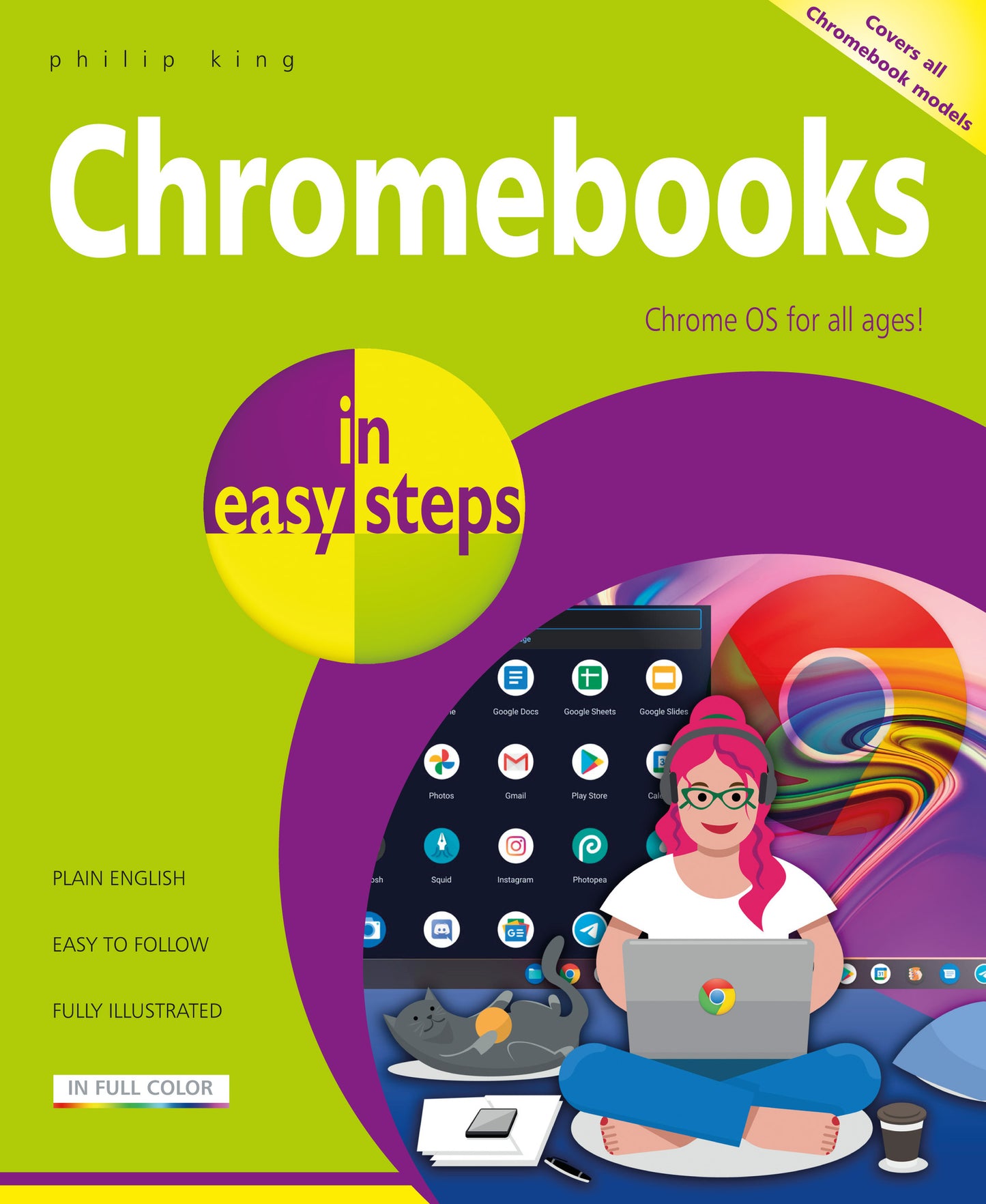
Chromebooks in easy steps illustrates all the clever features of this versatile, budget-friendly alternative to a Windows laptop or MacBook. Covering all Chromebook models, it:
Ideal for anyone new to the Chromebook, including Senior readers.

Price: $18.99
Pages: 192
Publisher: In Easy Steps Limited
Imprint: In Easy Steps Limited
Series: In Easy Steps
Publication Date:
April 26, 2022
Trim Size: 8.88 X 7.38 in
ISBN: 9781840789584
Format: Paperback
BISACs:
COMPUTERS / Hardware / Personal Computers / General, Personal computers, COMPUTERS / Hardware / General, COMPUTERS / Operating Systems / General, JUVENILE NONFICTION / Computers / Coding & Programming, JUVENILE NONFICTION / Computers / Software, Digital Lifestyle and online world: consumer and user guides, Educational: IT & computing, ICT, Children’s / Teenage general interest: Computing & Information Technology

- Introducing Chromebooks
- Getting Up and Running
- Navigating the Chrome OS Desktop
- Keyboard and Touchpad
- Using the Chrome Browser
- Communicating with Gmail
- Google Drive
- Office and Productivity
- Media and Entertainment
- Adding and Managing Apps
- Video Calling
- Casting and Connecting
- Maintenance and Troubleshooting