


Some error occured while loading the Quick View. Please close the Quick View and try reloading the page.
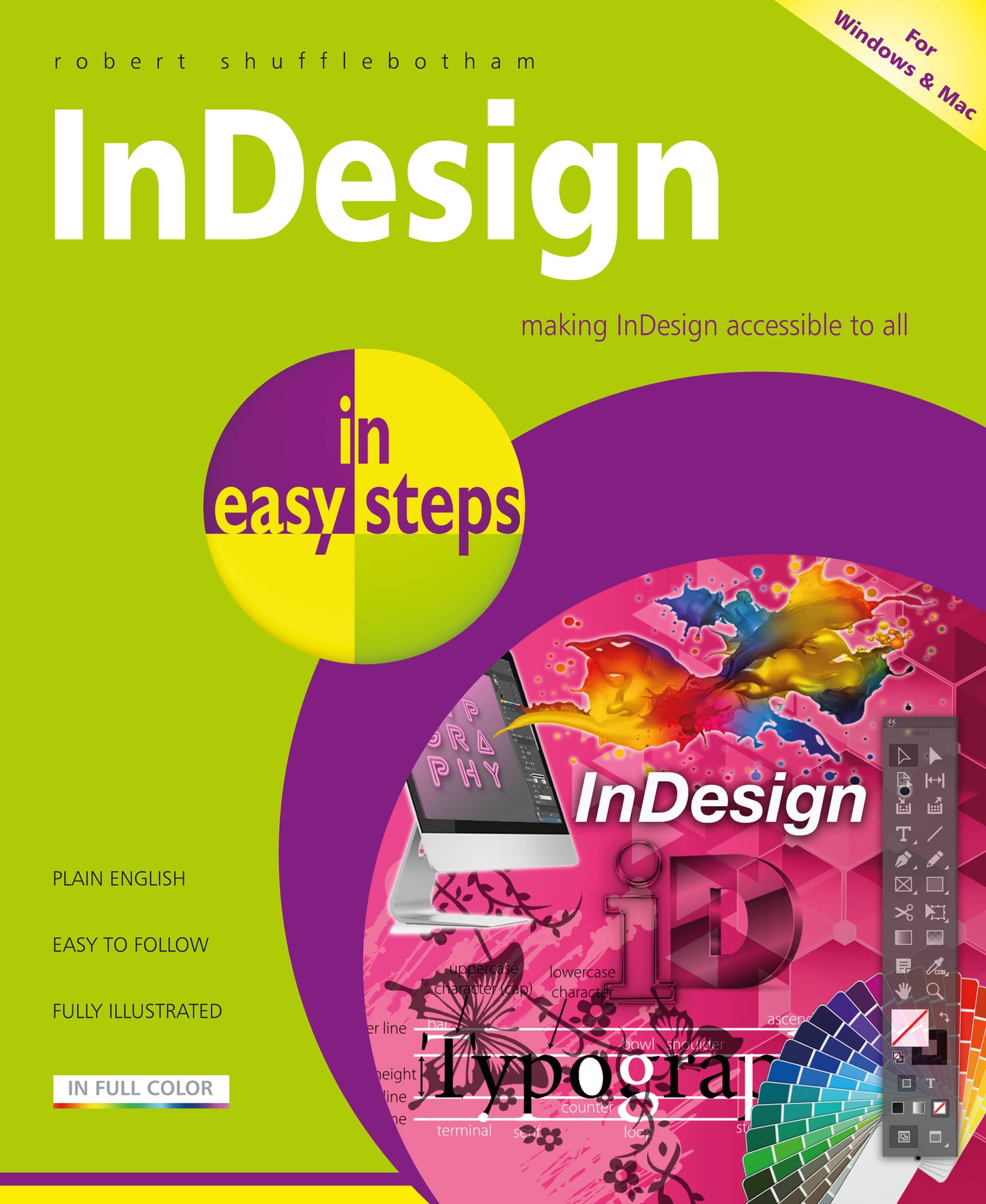
Written by an expert on Adobe software training for some of the largest and most prestigious magazine, book and newspaper publishers in the world, InDesign in easy steps, 3rd edition is ideal for anyone wanting to get started with InDesign basics and become a competent and confident InDesign user. You’ll master the fundamentals and then progress to exploit the full creative potential of this powerful tool. In easy steps, you’ll learn:
Packed with clever tips throughout, you’ll soon be creating professional documents, stunning brochures, creative publications, and more!

Price: $16.99
Pages: 192
Publisher: In Easy Steps Limited
Imprint: In Easy Steps Limited
Series: In Easy Steps
Publication Date:
August 24, 2021
Trim Size: 8.88 X 7.38 in
ISBN: 9781840789362
Format: Paperback
BISACs:
COMPUTERS / Design, Graphics & Media / General, Desktop publishing, COMPUTERS / Software Development & Engineering / Computer Graphics, JUVENILE NONFICTION / Computers / Software, Educational: IT & computing, ICT, Children’s / Teenage general interest: Computing & Information Technology

- The Working Environment
- Building Pages
- Text Basics
- Character Settings
- Paragraph Settings
- Images and Graphic Frames
- Arranging Objects
- Working with Color
- Managing and Editing Text
- The Pages Panel and Master Pages
- Paragraph and Character Styles
- Tables and Tabs
- Printing and Exporting
- Transformations and Transparency
- Paths and the Pen Tool