


Some error occured while loading the Quick View. Please close the Quick View and try reloading the page.
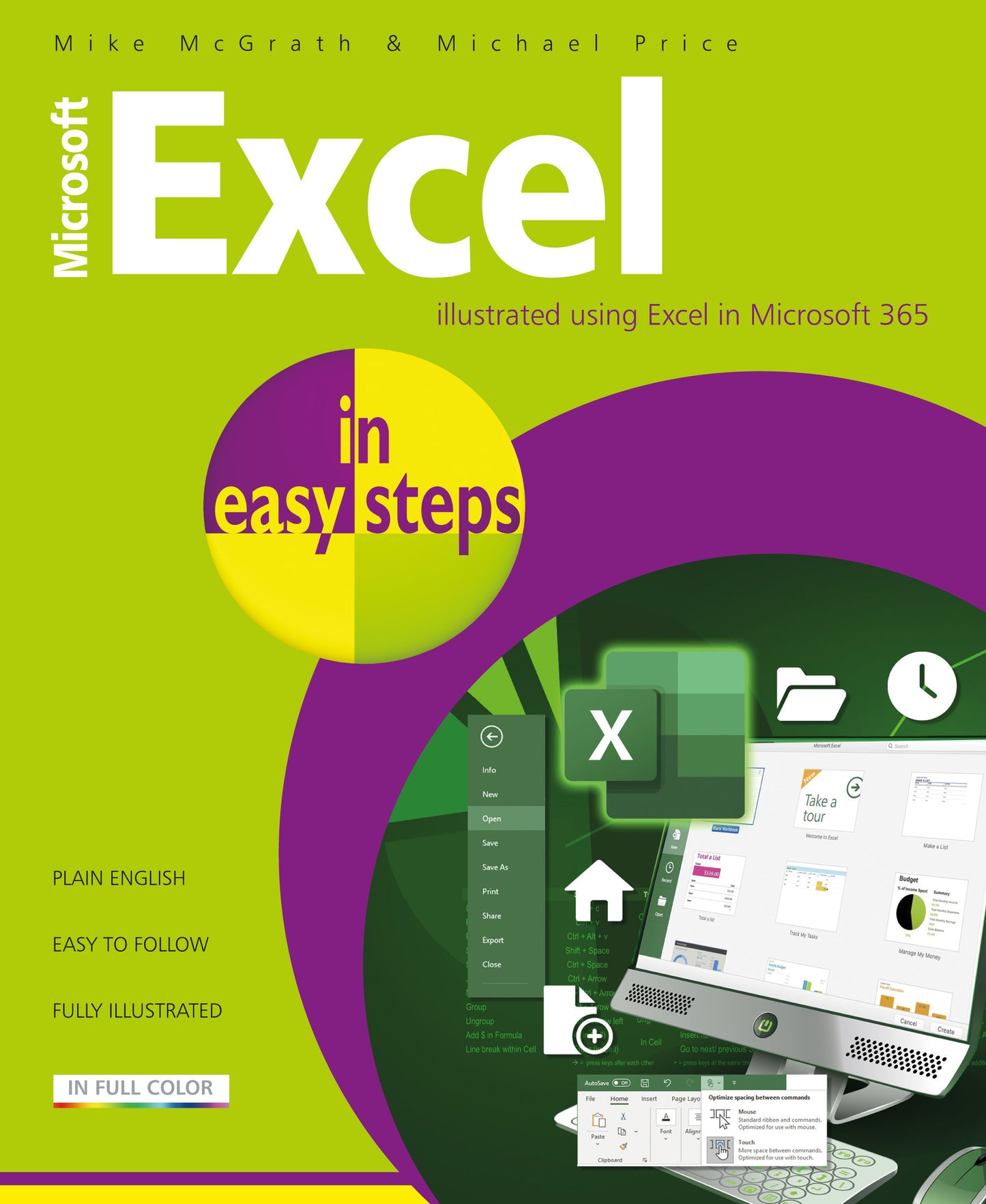
Microsoft Excel in easy steps guides you through the essential functions of Microsoft Excel – whether you are new to Excel and the spreadsheet concept, or just upgrading from an older version. This edition is illustrated using the most up-to-date version of Excel in Microsoft 365 at the time of printing.
Microsoft Excel in easy steps starts with the basics then reveals the key clever features on offer – all in easy steps! Areas covered include:
Whether you’re new to Excel or new to spreadsheets, use this guide to get more out of Microsoft Excel, and manage your finances and data effectively – both at home and at work!


- Introduction
- Begin with Excel
- Manage Data
- Formulas and Functions
- Excel Tables
- Advanced Functions
- Control Excel
- Charts
- Macros in Excel
- Templates and Scenarios
- Links and Connections