


Some error occured while loading the Quick View. Please close the Quick View and try reloading the page.
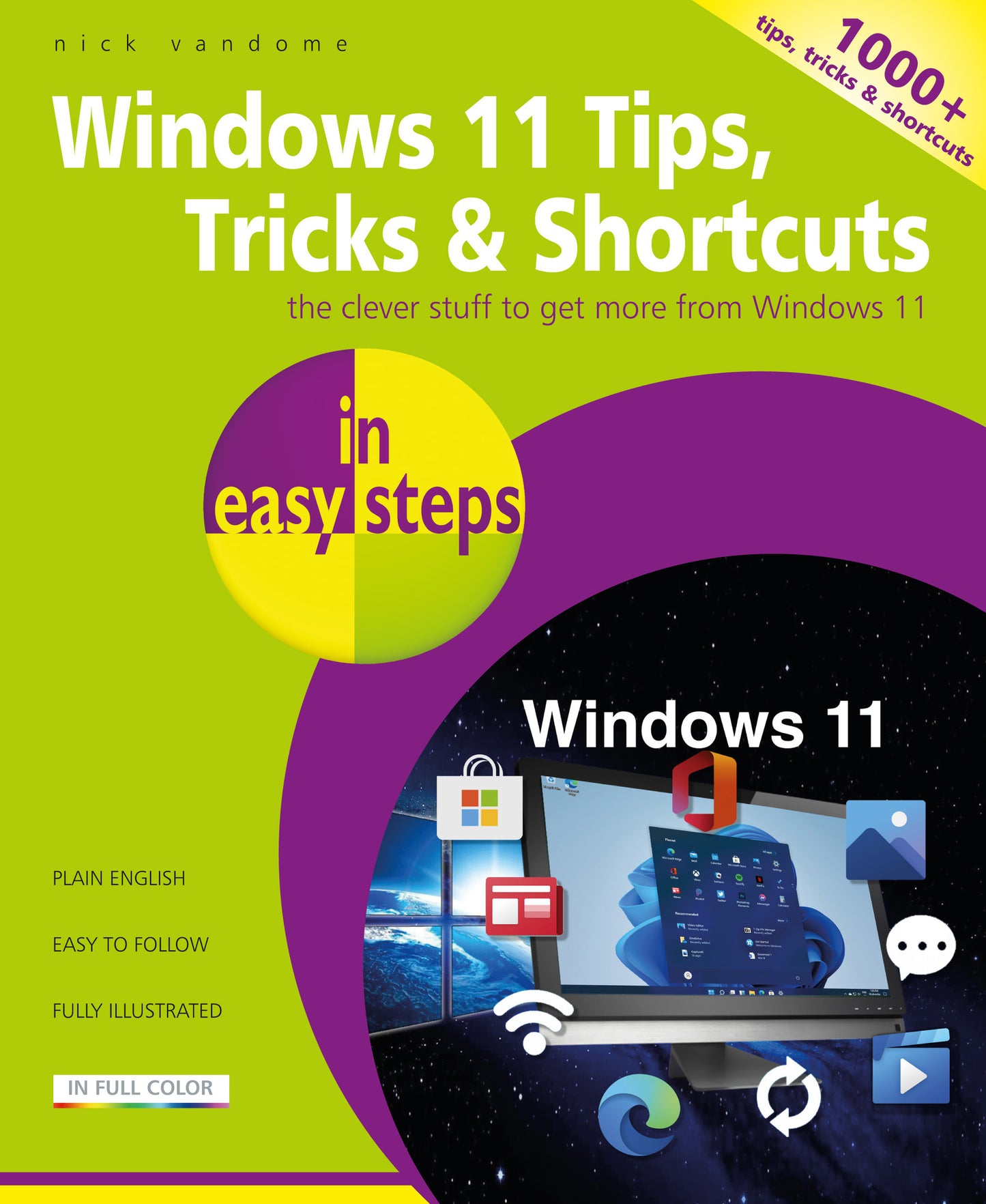
Using the full potential of Windows 11 can sometimes seem like a daunting task, even when you have mastered the basics of the operating system. However, with Windows 11 Tips, Tricks & Shortcuts in easy steps you can start to take your Windows 11 knowledge to the next level. Over 1000 useful tricks of the trade to make Windows work more efficiently for you, all revealed in this book, and updated for Windows 11. Throughout the book you will learn how to:
With keyboard shortcuts throughout to help you save time, this popular guide is a great investment for all Windows 11 users!

Price: $18.99
Pages: 216
Publisher: In Easy Steps Limited
Imprint: In Easy Steps Limited
Series: In Easy Steps
Publication Date:
21 July 2023
Trim Size: 8.88 X 7.38 in
ISBN: 9781840789973
Format: Paperback
BISACs:
Microsoft (Windows) operating systems

- Windows 11 Interface
- Performance
- Startup & Shutdown
- Productivity
- Things You Can Do Without
- Customization
- Privacy
- Security
- Installation/Setting Up
- Shortcuts
- The Internet
- Multimedia
- Miscellaneous